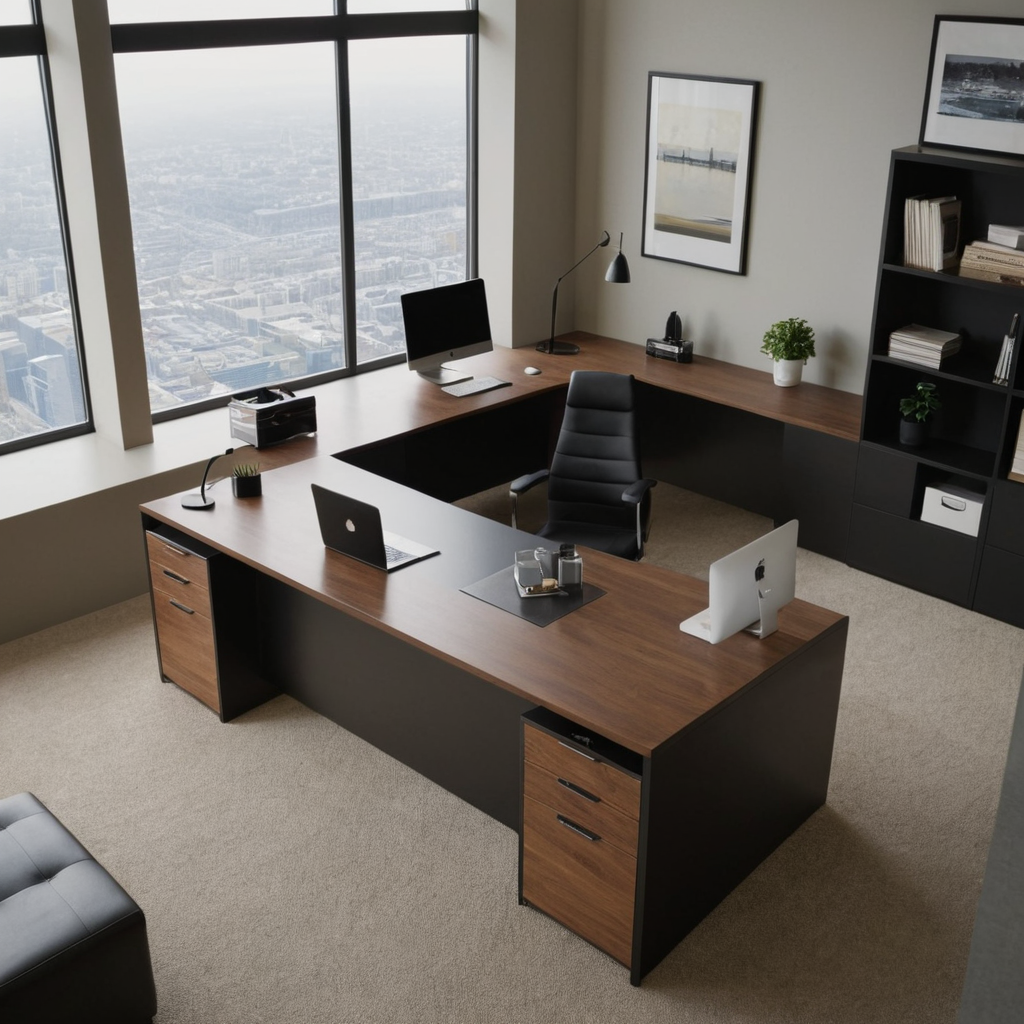
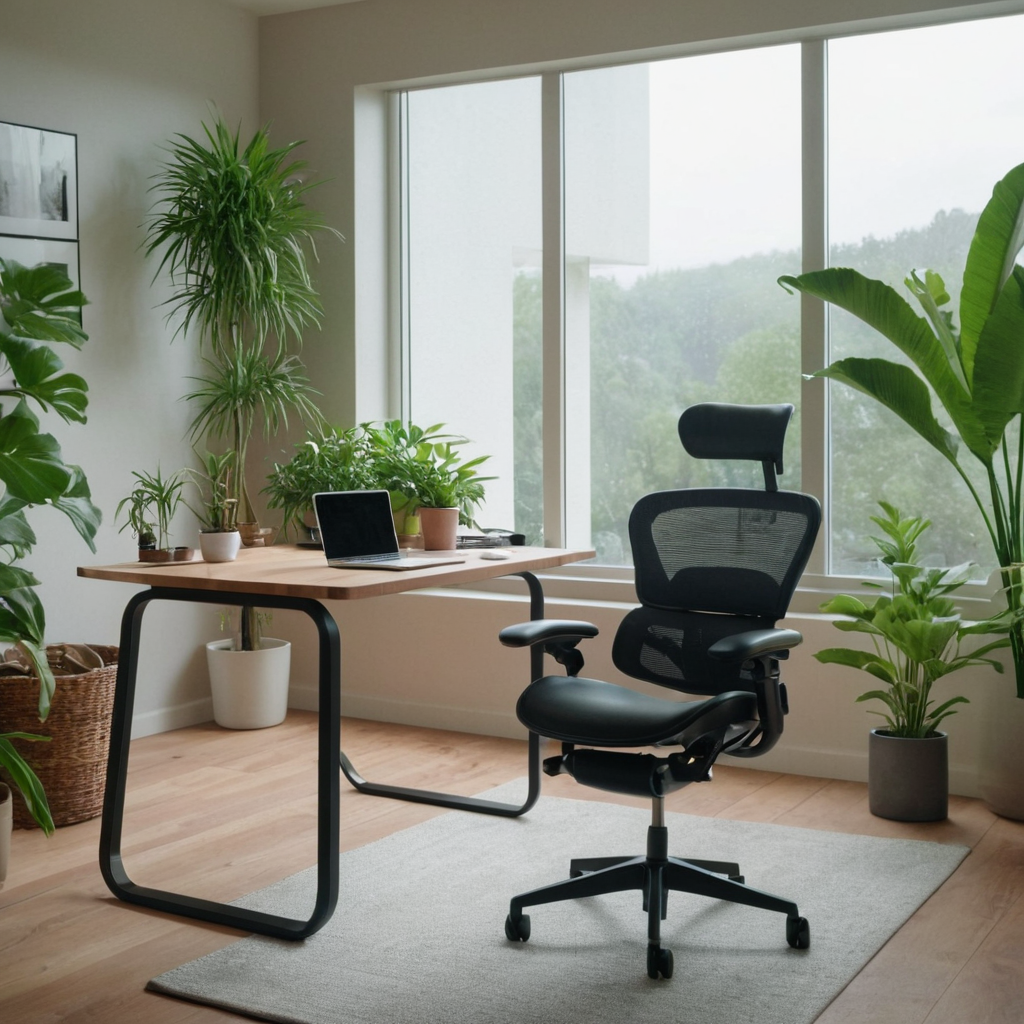
1. Choose the Right Desk and Chair for Ergonomics
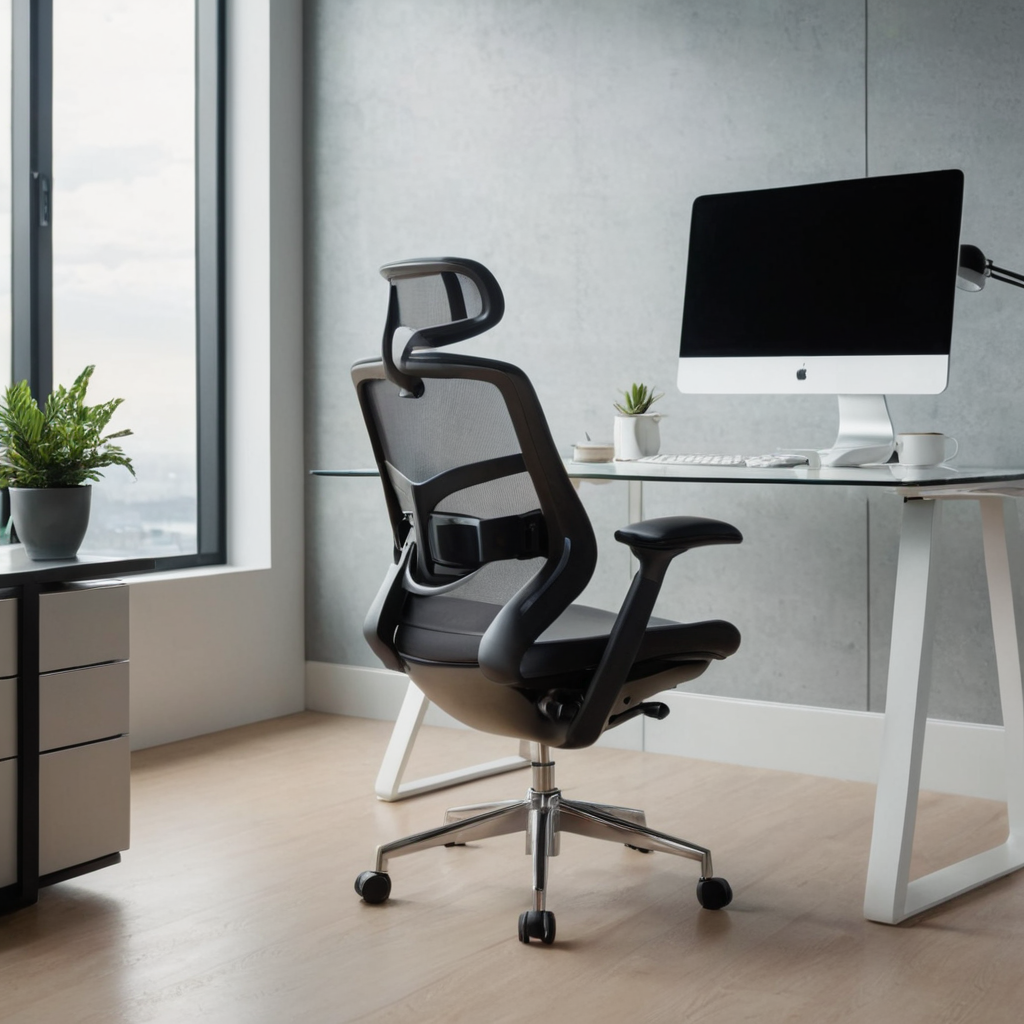
An ergonomic desk and chair are foundational to a comfortable home office setup. Investing in furniture that supports posture can reduce strain on your back, neck, and wrists during long hours of work. The right height for an ergonomic chair ensures your feet rest flat on the floor with thighs parallel to the ground, while your arms should be at a 90-degree angle to the desk.
2. Maximize Natural Light for Better Focus
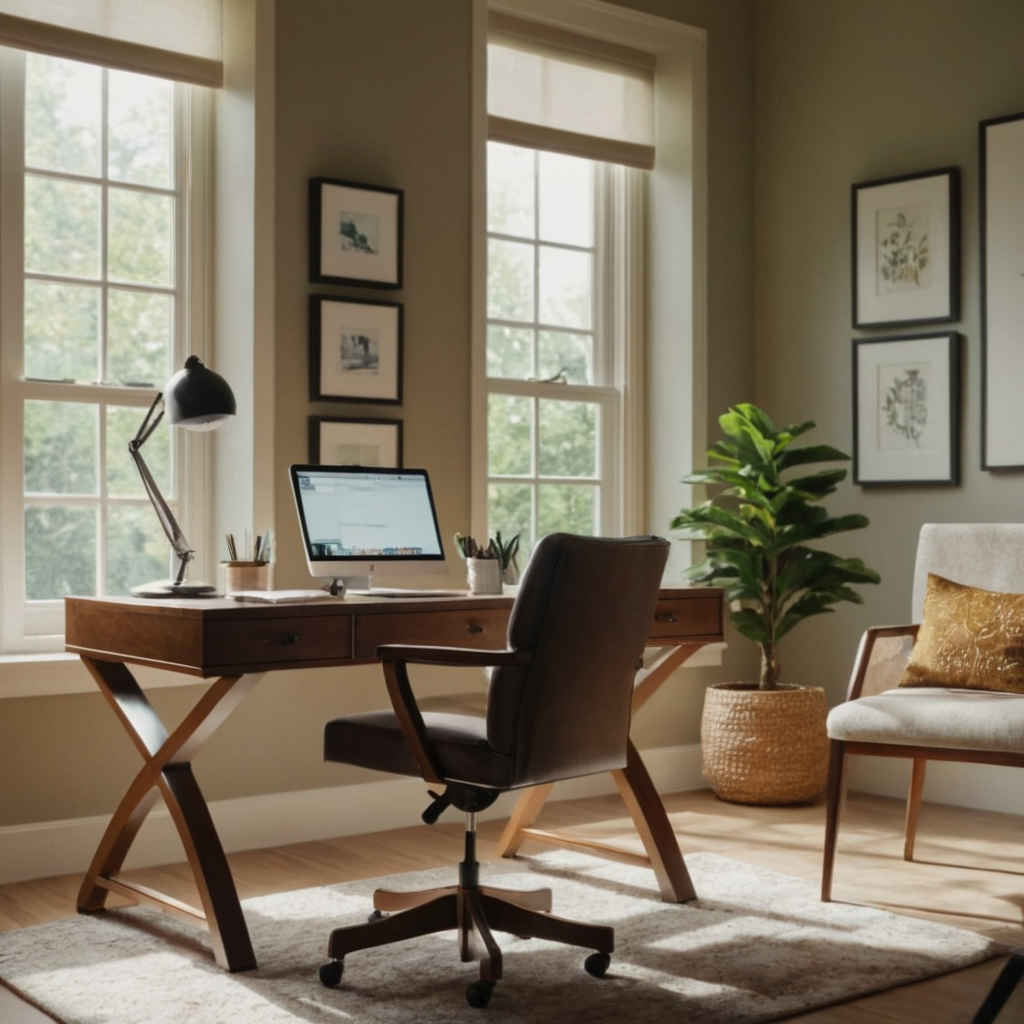
Natural light not only enhances mood but also boosts productivity by reducing eye strain and fatigue. Position your workspace near a window, if possible, to take full advantage of daylight. Use sheer curtains or blinds that allow light in without causing glare on computer screens.
3. Keep it Clutter-Free for Streamlined Productivity
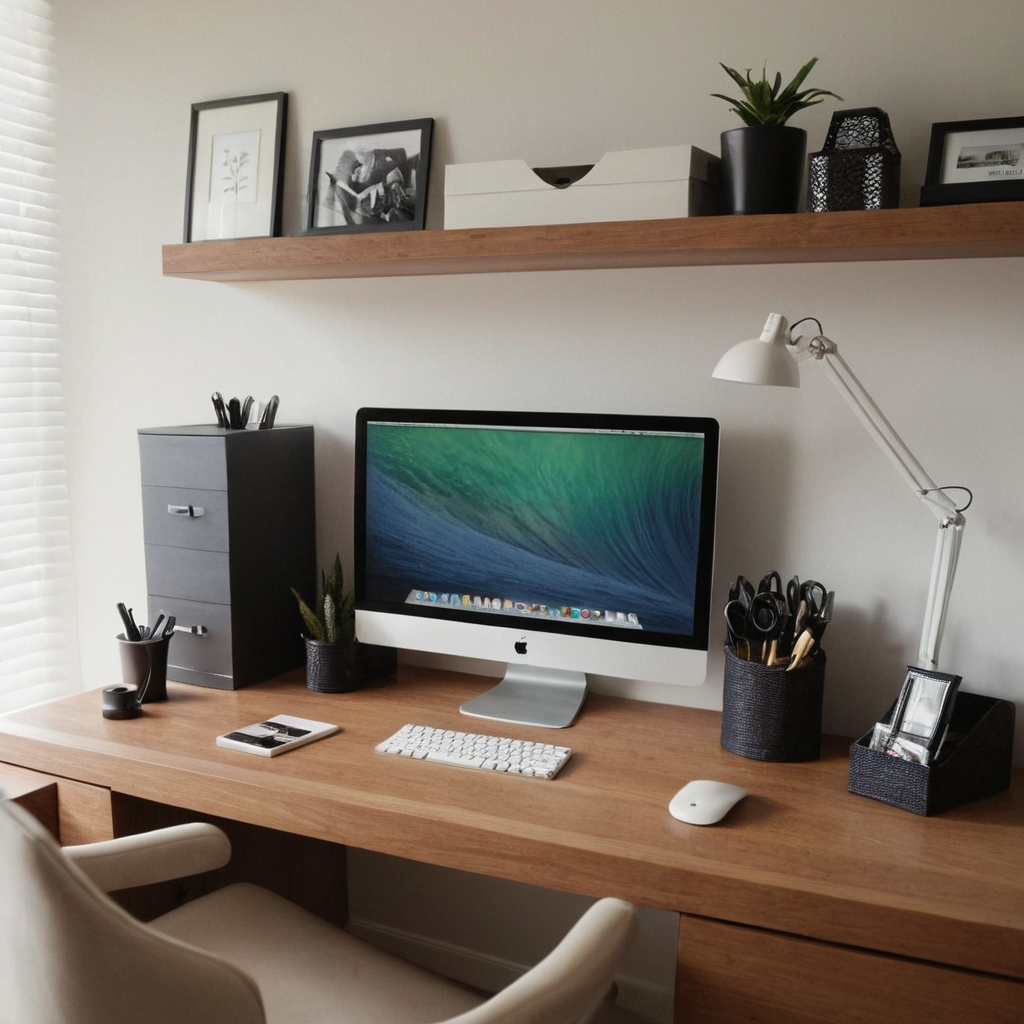
A cluttered workspace can lead to a cluttered mind, so maintaining an organized desktop is key. Utilize desk organizers and storage solutions like trays, drawers, or shelves to keep essentials within reach but out of sight when not in use. Regular decluttering sessions can further enhance focus.
4. Invest in Quality Lighting for Night Work
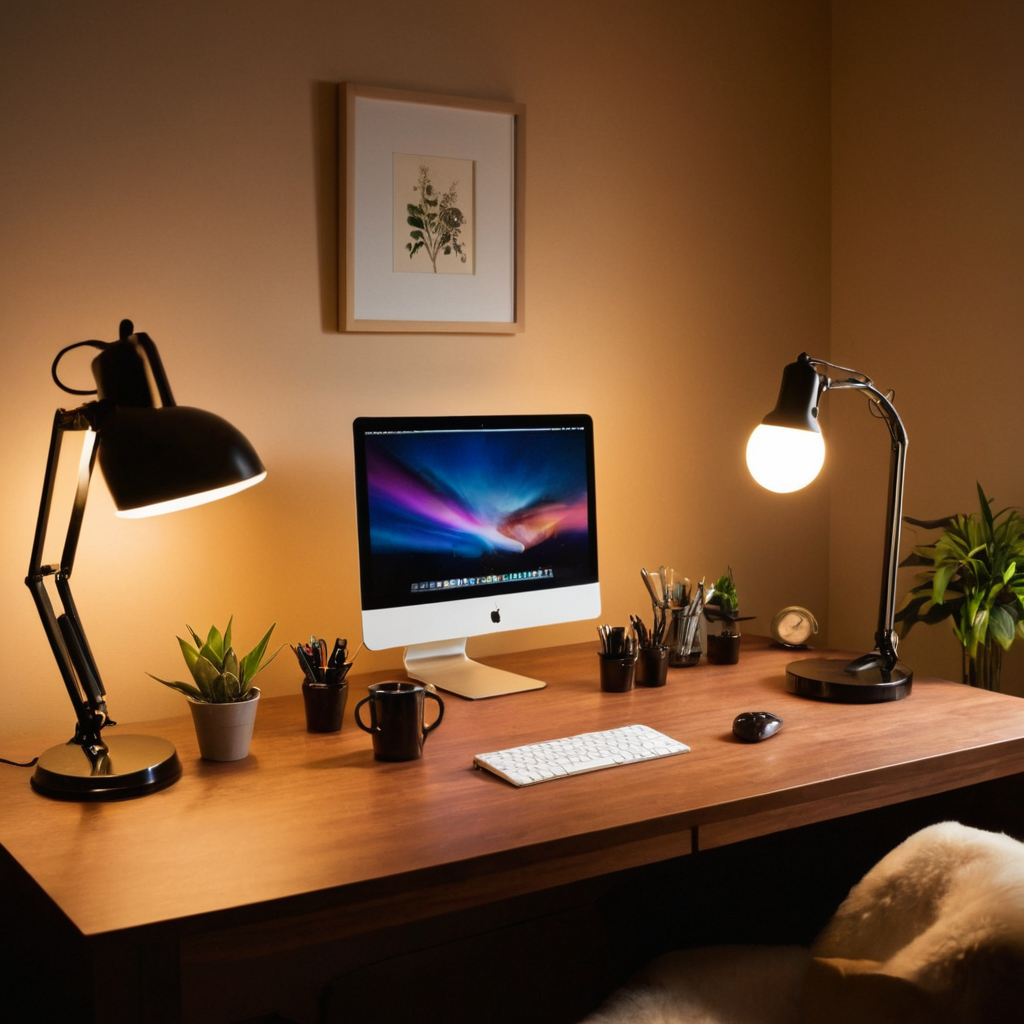
Proper lighting is crucial if you work late into the night or early morning hours. Desk lamps with adjustable brightness and color temperature can prevent eye strain by mimicking natural light conditions. Choose warm tones to create a cozy atmosphere and cooler, brighter lights for concentration.
5. Personalize Your Space with Art and Plants
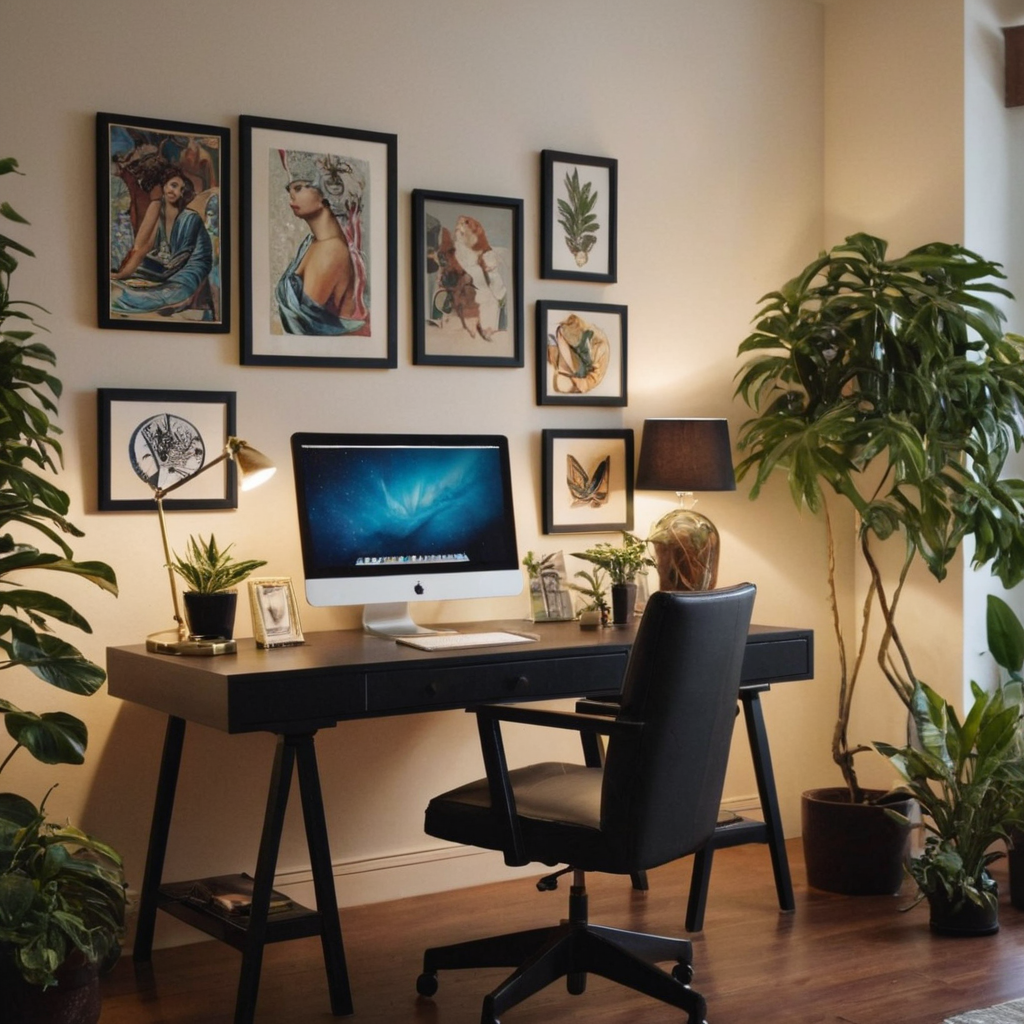
Personal touches can make your workspace feel more inviting and less sterile. Adding artwork that inspires you or plants to purify the air can greatly enhance the mood of your office space. Choose items that reflect your personality, whether they are photos, paintings, sculptures, or indoor greenery.
6. Utilize Technology for Efficient Organization
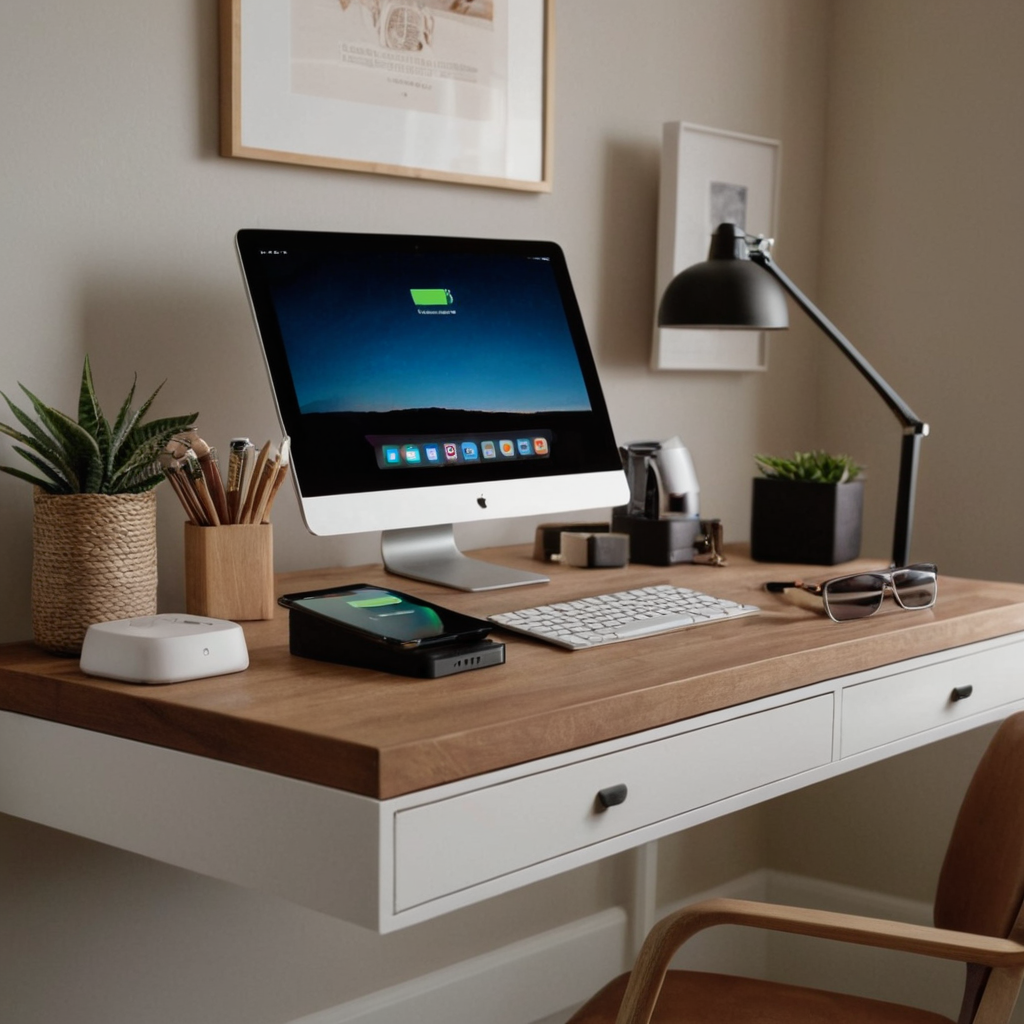
Modern technology can help streamline your workflow in ways that traditional methods cannot. Consider using digital tools like cloud storage services, task management apps, or wireless charging stations to keep both physical and digital clutter at bay.
7. Create Zones for Different Tasks
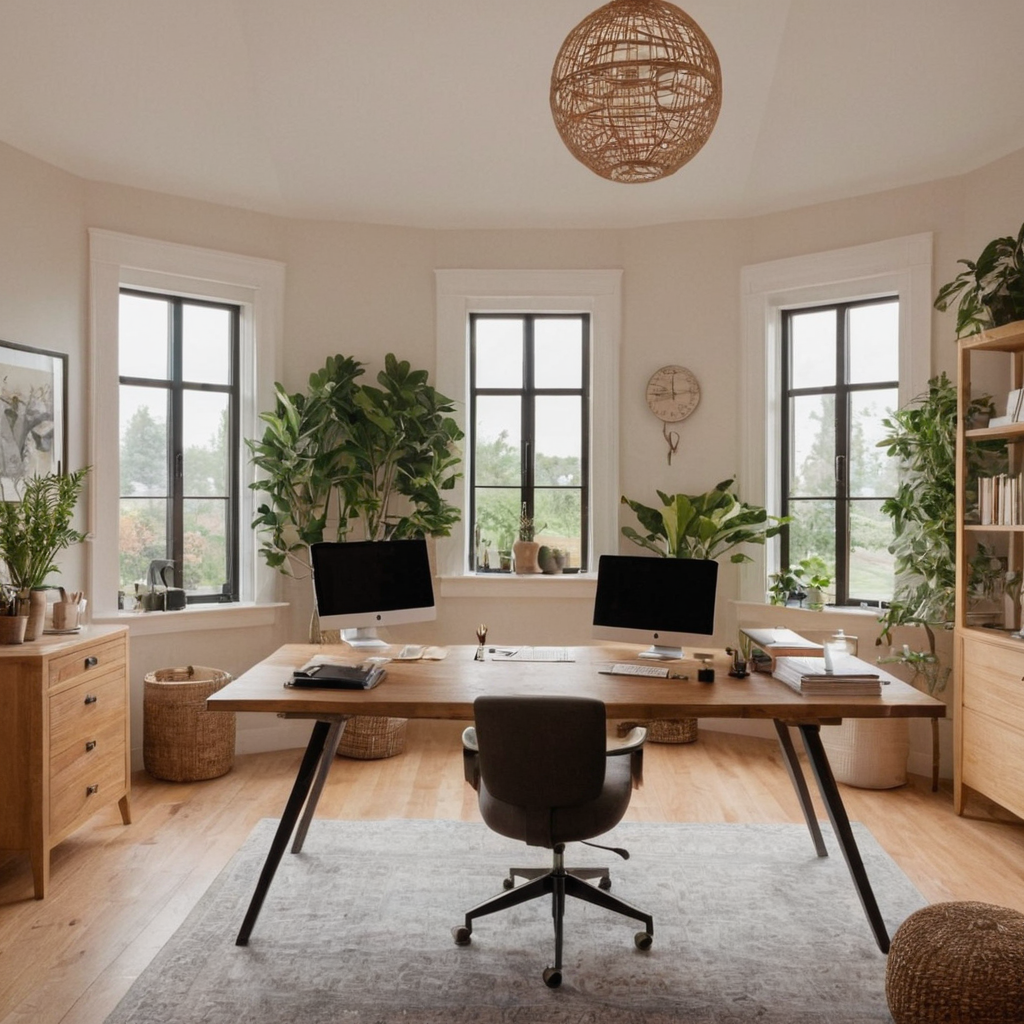
Designing your space to include different areas for specific tasks can improve focus and productivity. For example, you might have a dedicated area for deep work that is quiet and free from distractions, versus an area for brainstorming or creative projects.
8. Ensure Privacy and Comfort
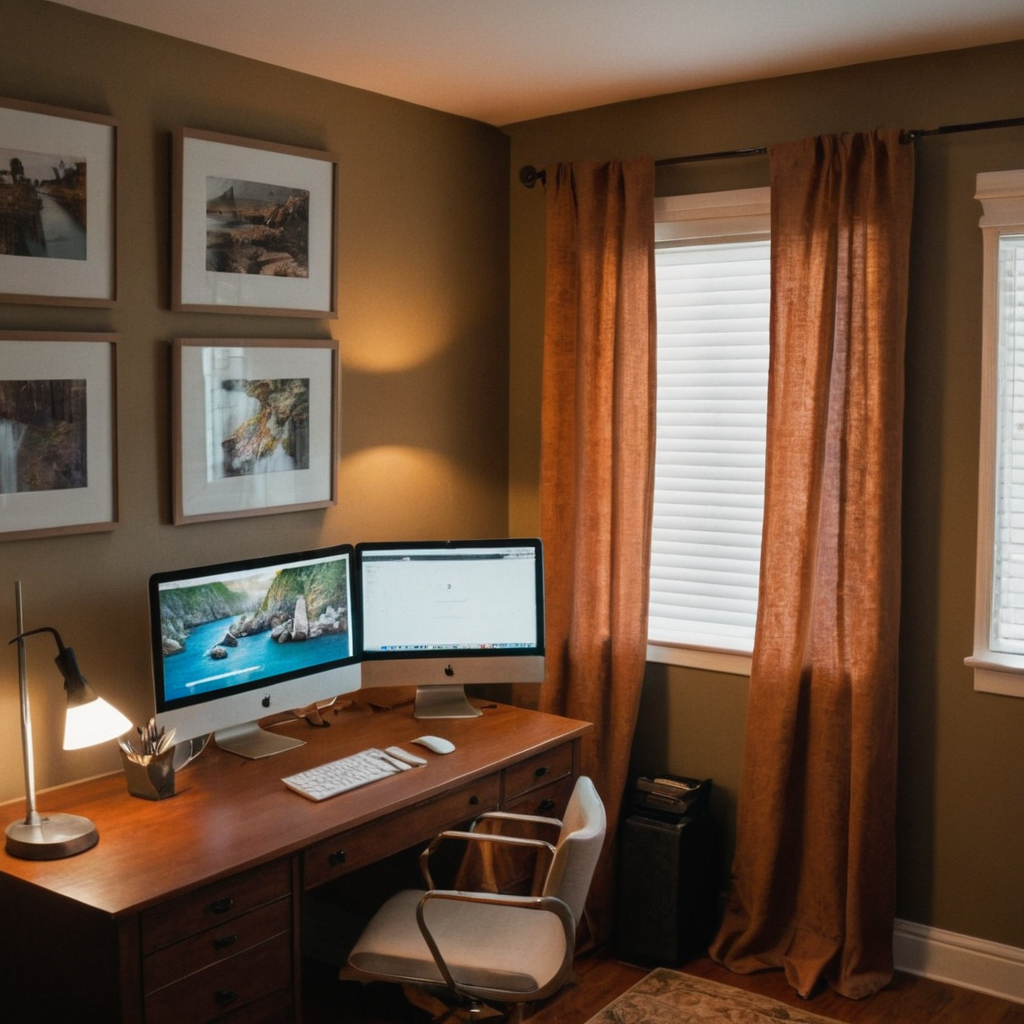
Privacy is essential when working from home, especially if you have family members or roommates who share the space. Use screens, curtains, or even a folding partition to create boundaries around your workspace. Additionally, ensure that the temperature of the room is comfortable for extended periods of sitting.